The first decision is whether cleaning is needed
A dark spot in one photograph is not a diagnosis. Start by reviewing several original files on a larger display, distinguishing marks in the scene from marks that recur at the same image coordinates. Sony suggests photographing a plain white wall or paper at about f/11 to make sensor dust easier to identify. Use an ordinary evenly lit surface, never the sun. Keep the test frames and settings. If the mark moves with the scene or appears only in a particular export, investigate that pattern before opening the camera.
Find the instructions for this body, not a similar one
Locate the manufacturer’s current manual or support instructions for the exact model. Check whether it has an automatic cleaning function, what battery level is required and what state the camera must be in for any permitted manual cleaning. Sensor stabilization, shutters and reflex mirrors make assumptions risky. This article is a decision guide, not a universal sequence of menu commands. If the manual limits cleaning to professional service, that is the end of the home-cleaning route. A photograph of an exposed sensor does not establish that touching it is safe.
Start with the least invasive approved option
Use the built-in cleaning function if your manual provides one, then repeat the same test photograph and compare the original files. Work in a clean, dry location, prepare the body cap or lens beforehand and avoid leaving the mount open while searching for equipment. Keep unrelated liquids and loose objects away from the work area. The aim is to reduce exposure, not to produce a perfectly dust-free camera at any cost. A remaining spot is information for the next decision; it is not an instruction to apply more force.
A hand blower is conditional, not universally safe
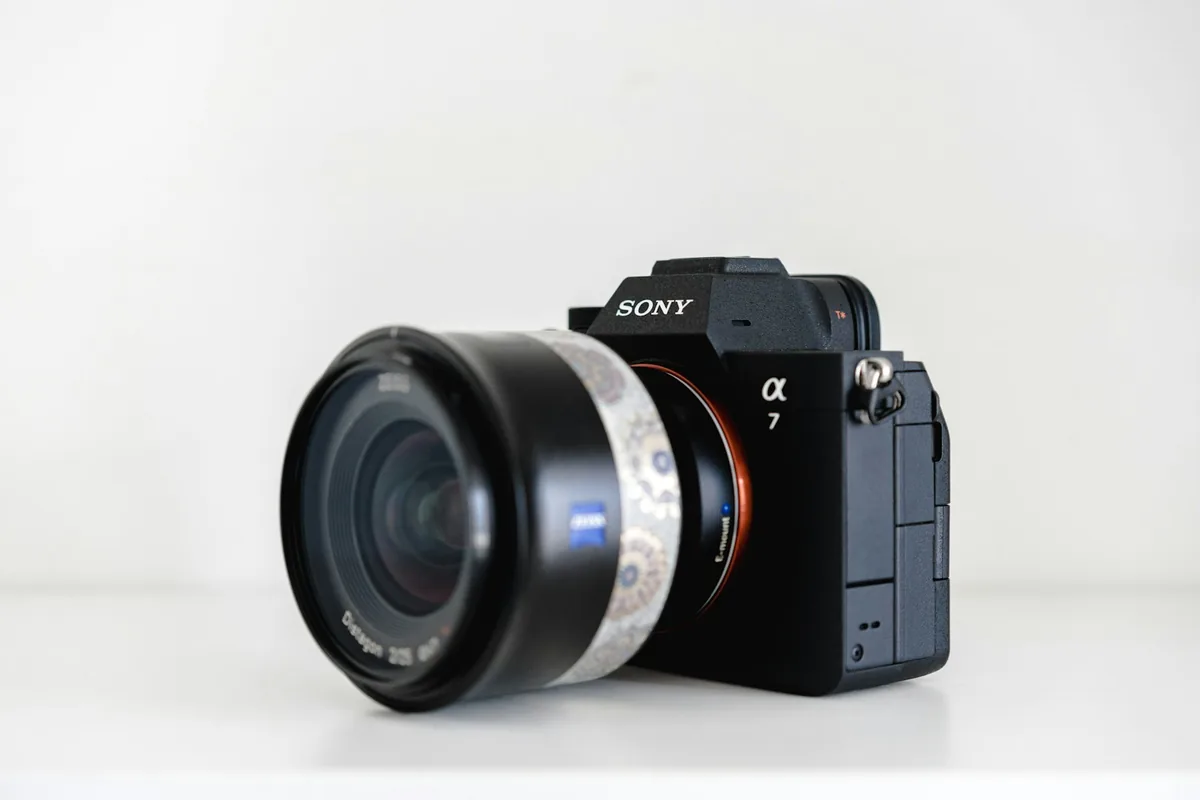
Sony’s guidance recommends a plain manual blower, warns against compressed air and says not to let its tip extend beyond the lens mount. It also cautions against touching the sensor or blowing too forcefully. Apply only the procedure permitted for your own model, including its required power state; do not import Sony’s E-mount instructions into a different camera. Never put a brush onto the sensor because a cleaning kit includes one. If you cannot keep the nozzle safely outside the mount or the instructions are ambiguous, close the camera and use qualified service.
Do not escalate into an improvised wet clean
This guide does not prescribe swabs, solvents, household cloths or a number of wiping passes. Nor does it tell you to lift a mirror, hold a shutter open or defeat an interlock. Different visible surfaces can require different treatment, and a stubborn mark need not be loose dust. Stop if you see damage, liquid contamination, an obstruction or anything you cannot identify confidently. Describe the symptom and send sample files to the manufacturer or a qualified repair provider. Ask what the service includes and obtain the relevant estimate before authorizing work.
Retest in a way you can compare
Reattach the lens as directed by the manual and repeat your original plain-surface test under similar conditions. Compare at the same viewing scale, then examine a normal photograph made at an aperture you actually use. Keep both sets rather than relying on memory. If the same marks persist, repeated interventions may add risk without answering the question. Record the camera model, test settings, symptoms and the approved steps already attempted. That record helps a technician distinguish an unresolved cleaning concern from a vague report that the pictures look wrong.
Make prevention a handling habit
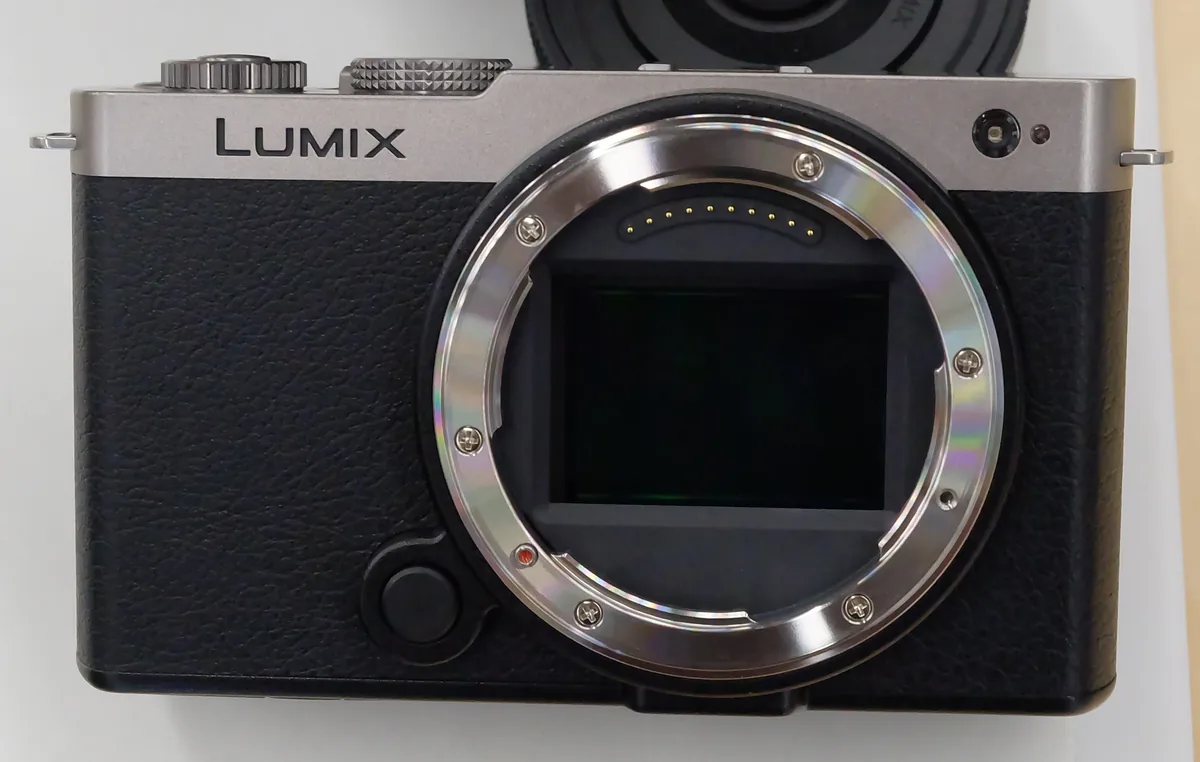
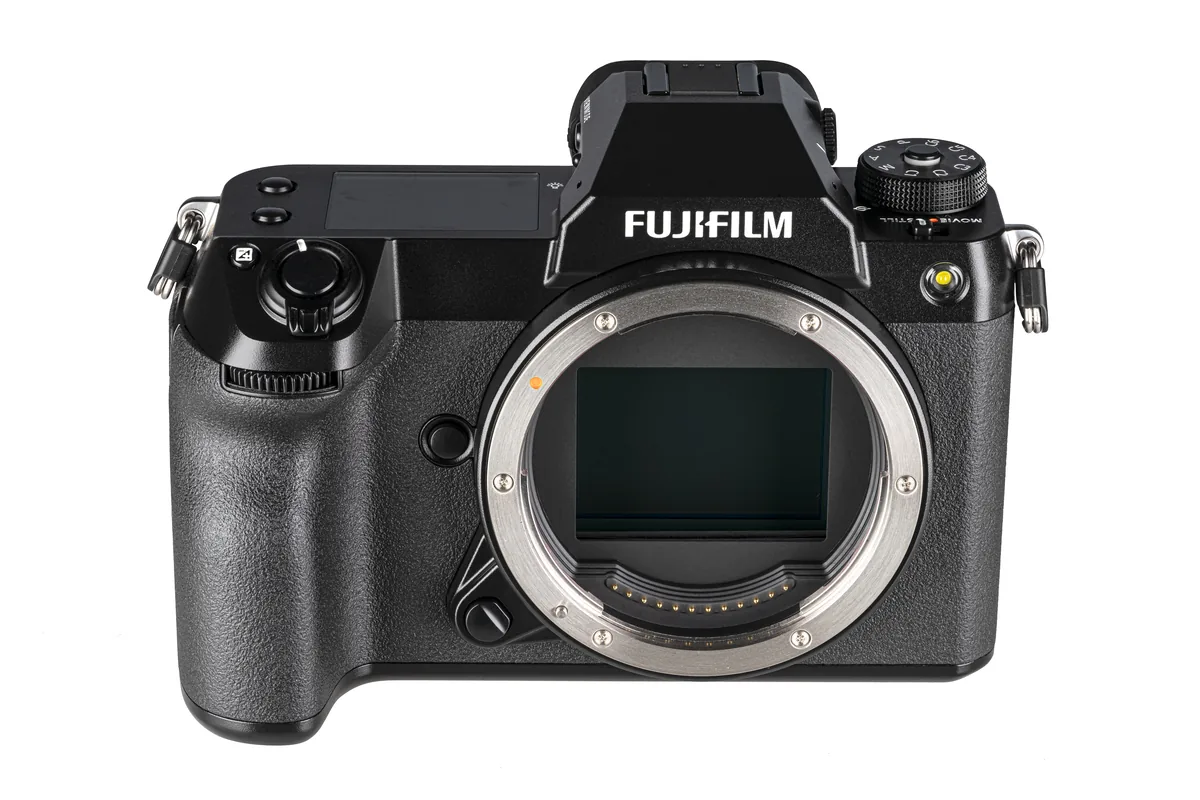
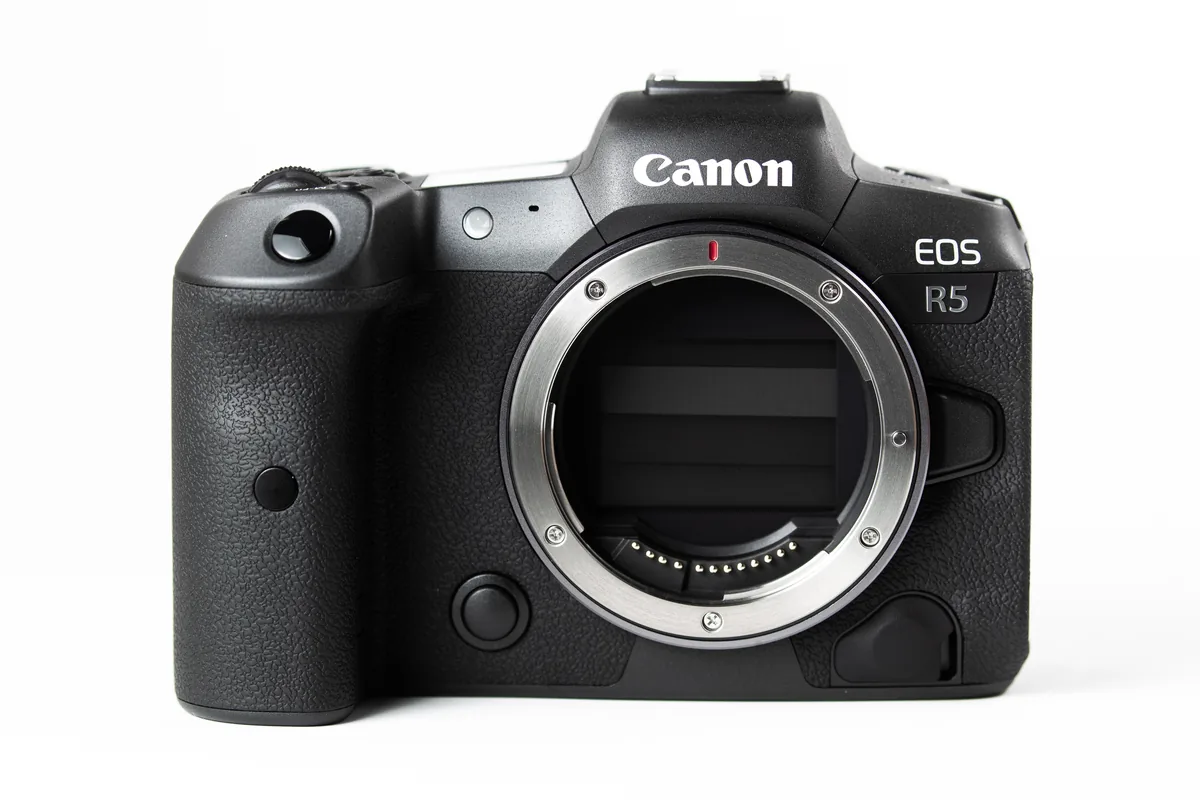
Plan lens changes before opening the mount, keep caps accessible and avoid unnecessary changes in dusty or wet conditions. Do not confuse weather resistance with permission to expose the interior. Inspect storage conditions and deal with moisture according to the manufacturer’s guidance rather than sealing damp equipment away. The photographs here illustrate three different camera interiors: a Panasonic S9, a Fujifilm GFX100S and a Canon EOS R5 with its shutter closed. None documents cleaning, proves a fault or makes one manufacturer’s procedure applicable to the others. Knowing when to stop is part of competent camera care.