Start with the file you actually need to deliver
Choose between full frame and medium format by working backward from the photograph’s destination. How large is the print, how heavily will the frame be cropped, how close will it be viewed and how much time is available to make it? A larger capture can preserve useful detail, but only when focus, motion control, lens performance and processing support it. For an online story or a modest print, differences visible at extreme magnification may not change the reader’s experience. Write down the output requirement first. That creates a fairer buying question than asking which format wins without specifying what the photograph must do.
The size names are categories, not complete specifications
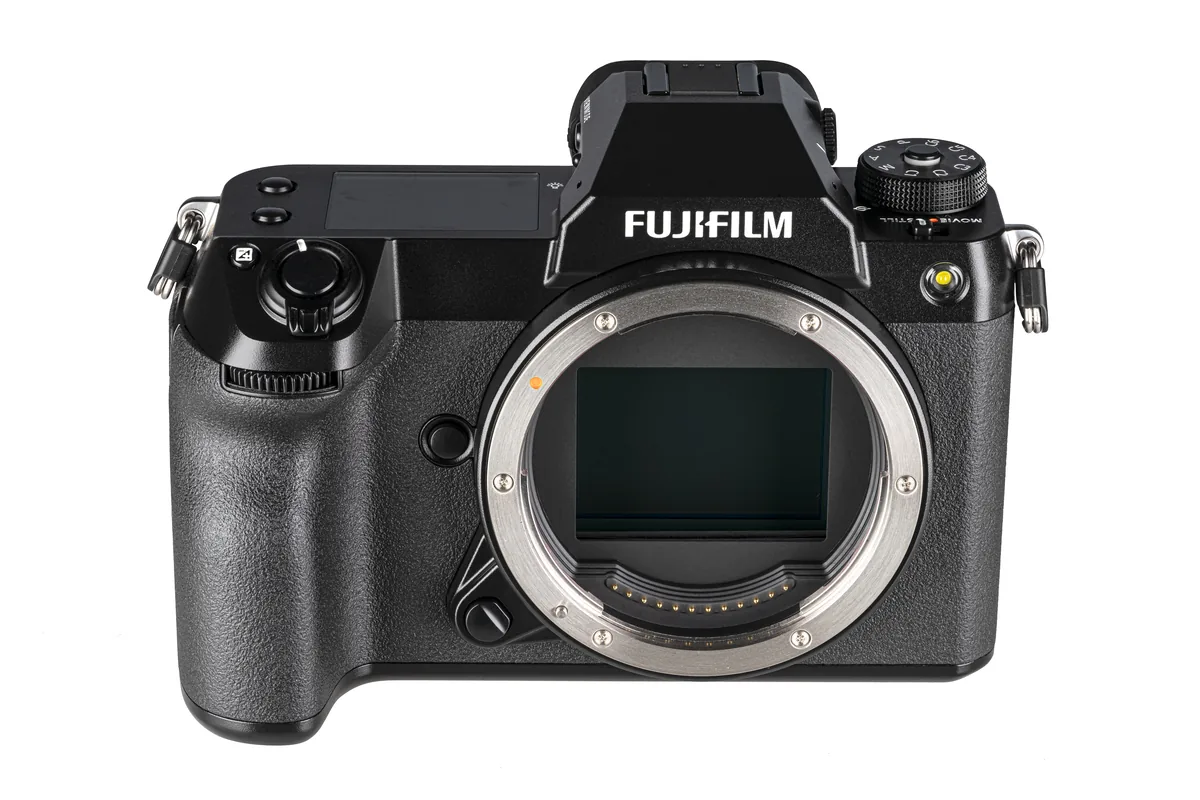
Full frame refers to a sensor around the 36 × 24mm dimensions of a 35mm still-film frame; actual dimensions vary slightly. Digital medium format is not one universal size. As a concrete example, Fujifilm’s GFX100 II specification lists 43.8 × 32.9mm. That is about 1.67 times the area of a nominal 36 × 24mm frame, not 1.67 times its width. Other medium-format cameras can use other dimensions. Sensor area and pixel count are different quantities: read both. This guide compares format decisions rather than recommending that particular body or assigning a single price to a whole category.
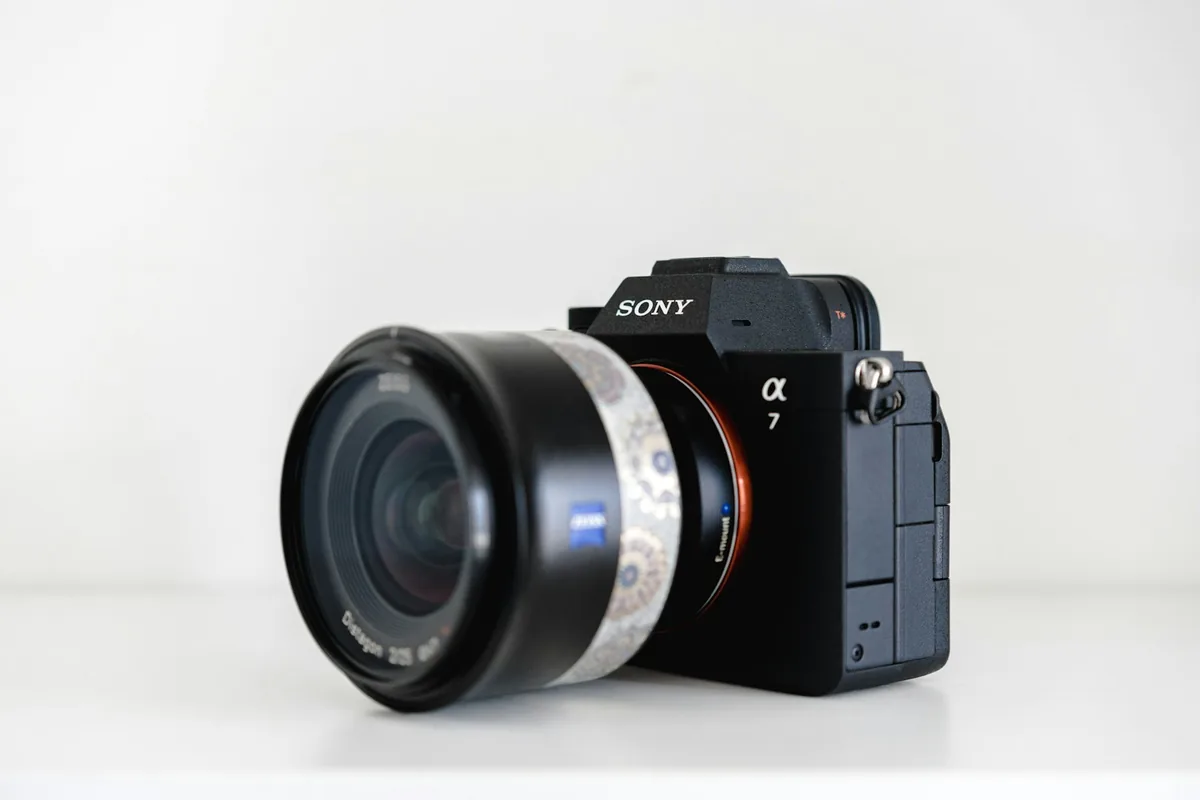
Match the framing before comparing depth of field
Using the same focal length on different sensor sizes does not give the same field of view. For a meaningful comparison, keep the camera position and intended framing consistent, choosing lenses that cover a comparable angle. Then decide whether you want equal depth of field or equal aperture settings: those are different tests. A larger format can make a shallow-focus look accessible, but shallow focus is not automatically useful. In a group portrait, product arrangement or environmental picture, you may need several planes to remain legible. Judge the focus transition against the picture’s purpose, not as an isolated demonstration of blur.
Do not confuse resolution with usable detail
A high-resolution file is valuable when the subject contains detail you want to retain, but the capture still has to resolve it. Test a real scene with fine texture and depth rather than only a flat object at an easy distance. Check near and far features, the corners you actually use and any subject movement. Then process both files with comparable care and view exports at the same dimensions. Looking at each file at 100 percent compares different magnifications when their pixel counts differ. Also make a print when printing is the reason for the purchase; a screen-only comparison can steer attention toward differences that disappear in the intended output.
Low-light results depend on the whole exposure
Sensor size alone does not settle a low-light purchase. Available lens apertures, the shutter speed required to stop the subject, stabilization, focus reliability and the final output all matter. Compare photographs made under conditions you can repeat, and note any compromises needed to match depth of field. A stationary interior and a person walking through it ask different things of the equipment. Stabilization may help with camera movement while leaving the moving person blurred. For a useful rental test, photograph the hardest part of your normal assignment, not just a well-lit scene that allows both systems to perform comfortably.
The working system includes more than the body
List the lenses, batteries, cards, support and storage needed for a complete job. Check the combined carrying weight and whether the lenses cover your most frequent perspectives. An apparently attractive body price is less useful if it requires replacing several essential lenses or changes how you travel. Also test the editing side: import a full session, make adjustments, export the delivery and back it up. Large files can be worthwhile, but their cost includes waiting, storage and redundancy. Prices vary substantially by model and region; request a current complete-kit quote instead of treating “medium format” as one fixed dollar premium.
Video and fast subjects need model-level comparisons
Do not dismiss or recommend an entire format for video or action. Check the specific camera’s autofocus modes, readout behavior, burst restrictions, recording formats, available crops, connections and thermal guidance. A headline frame rate may carry conditions that matter during the assignment. Rehearse a subject moving toward the camera and a short sequence in your intended recording mode. Review missed focus and awkward handling as seriously as maximum detail. For a photographer whose income depends on moments that cannot be repeated, operational reliability may outweigh a visible advantage in a controlled still-life image. That is a workflow judgment, not a claim that one format is universally faster.
A simple rental test can settle the decision
Borrow or rent the body and the lens you would actually buy. Make three representative assignments: your routine work, the most demanding detail or print job, and the least forgiving moving or low-light subject. Deliver each set through the normal editing pipeline without inventing extra time that real clients will not provide. Record what improved, what became harder and whether the difference survives in the final output. If the larger format solves a recurring problem and its system costs are sustainable, it has a clear role. If its advantage appears only in a comparison you never need to deliver, keep the budget for the part of the workflow that limits your photographs now.