The deal has closed—not merely been announced
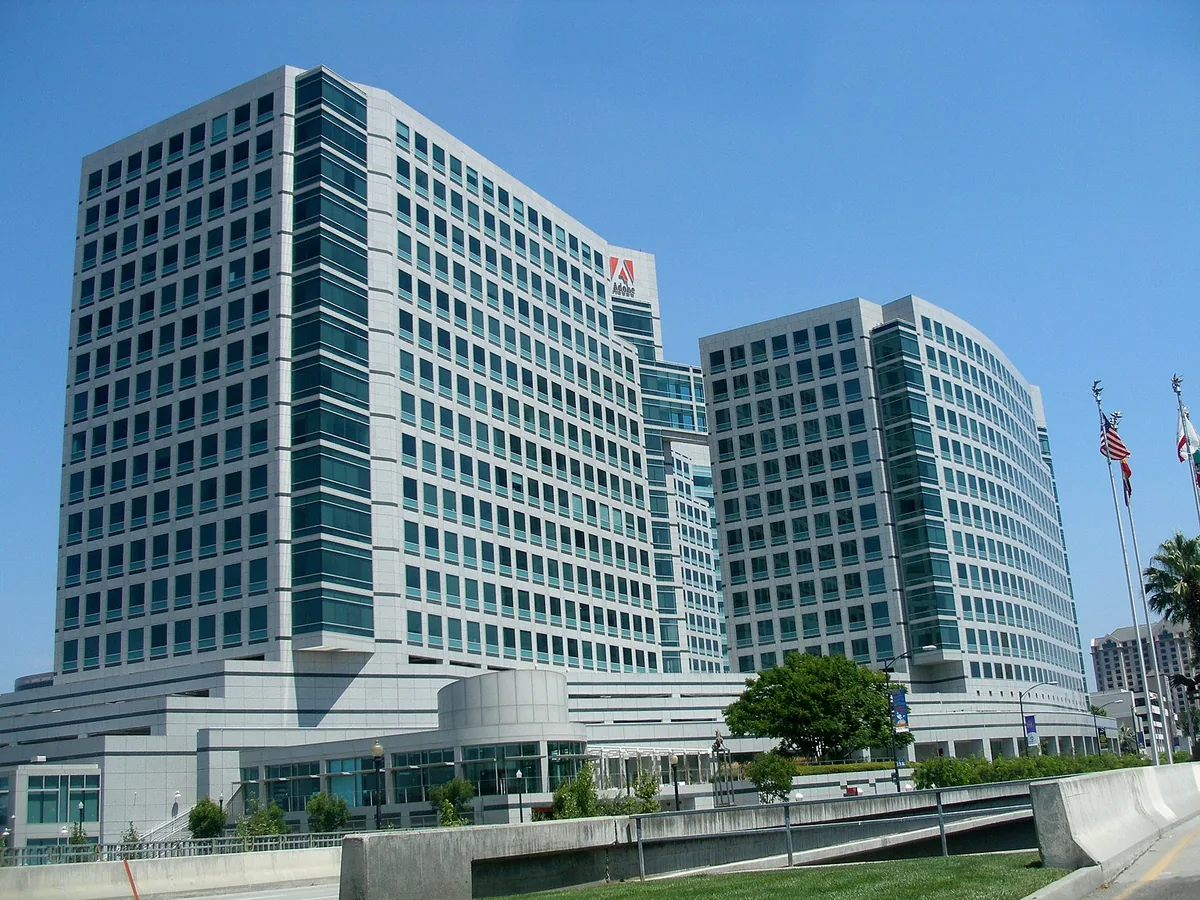
Adobe confirmed on September 23 that it has completed its acquisition of Topaz Labs. The company says the Topaz name will remain and its applications and models will continue as standalone offerings. Eric Yang, Topaz’s CEO, is joining Adobe’s Digital Video and Audio team. This is a change of ownership, not a newly launched camera or a hands-on assessment of enhancement quality. The closing follows the definitive agreement Adobe announced on June 25. For photographers and video editors, the distinction matters: a proposed transaction and a completed acquisition are different milestones.
What Adobe is promising—and what it has not specified
Adobe describes deeper integration with creative workflows and performance optimization as priorities. Its closing post notes existing Topaz technology in Firefly and Photoshop, alongside on-device and cloud processing options. Those are company statements, not our benchmark results. The post does not set out a new subscription price, an all-app rollout date or a promise that every Creative Cloud plan includes every Topaz tool. Keep those questions separate from the confirmed acquisition. A brand continuing to operate does not, by itself, describe every future licensing arrangement.

Audit the workflow you actually depend on
Our practical recommendation is to make a short inventory before changing an established setup. Record the application version, the enhancement model, the export settings and where the finished file goes. Include any plug-in or intermediate file that connects an editor to an external processor. A workflow that feels like one button may contain several dependencies. Keep a small representative project that you are entitled to process and that contains the kinds of material you deliver: fine texture, moving faces, gradients or a difficult low-light sequence. That gives you a repeatable comparison when an update arrives, rather than a memory of how the old result looked.
Evaluate a result, not an acquisition headline
When testing any enhancement change, compare the unprocessed source and the export at matched display sizes. For a photograph, inspect both the intended output size and a closer view of edges, lettering and skin texture. For video, watch the sequence in motion as well as paused frames: a pleasing still frame alone cannot establish consistency over time. Write down what improved, what became less convincing and whether the result is appropriate for the assignment. This is a suggested evaluation method, not a finding about the newly combined companies. We have not conducted an independent comparison of their current models for this report.
Keep a reversible route back to the source
Work on copies and retain the camera originals or source footage separately from enhanced exports. Label the version and settings used so that a later collaborator can distinguish a captured file from a processed derivative. Before relying on an updated application for a deadline, rehearse opening the project and delivering the required file on your own system. Our backup-verification guide explains how to test recovery instead of merely assuming a copy is usable. For documentary work, also agree on the permitted processing with the editor or client. A technically impressive transformation is not automatically appropriate evidence of what was in front of the camera.
The next useful information will be specific
Watch for dated release notes, explicit plan entitlements, migration instructions and a documented feature list. Those are more actionable than treating every mention of integration as a shipping product. If a workflow involves cloud processing, check the applicable service terms and the client’s requirements before uploading material; if it is local, test the actual hardware and project rather than extrapolating from a promotional example. For now, the confirmed news is the completed acquisition and Adobe’s stated continuation of standalone Topaz offerings. The useful response is to preserve a working setup, document dependencies and judge later changes against real delivery needs.