Two more bodies enter the supported list
Sony released Monitor & Control 3.1 on October 28, adding support for the α6700 and ZV-E10 II. The application lets a compatible phone, tablet or computer serve as a larger monitoring and remote-control interface. The useful news for existing owners is the expanded body support, rather than a new camera purchase. Sony’s release note also lists white-balance fine adjustment, a display-frame-rate setting for Multi-Camera Monitoring and automatic reconnection after a dropped camera connection. These are manufacturer-described changes; we have not tested their speed or reliability.
Update the body as well as the app
Sony’s current compatibility page specifies α6700 system software version 2.00 or later and ZV-E10 II version 1.02 or later. Installing the newest phone app alone is therefore not a complete setup check. Read the installed firmware version on the actual camera, confirm its exact model and consult the official instructions before updating. Allow time afterward to check custom settings and record a short sample. A familiar USB socket or a working Wi-Fi connection does not establish that every function is supported by every camera, operating system and connection method.
Separate the new controls from universal promises
White-balance fine adjustment is limited to camera models with the corresponding adjustment function. That qualification matters when combining bodies: a control visible for one camera need not be available for another. Sony also says automatic reconnection now works regardless of the number of connected cameras. This describes connection recovery, not uninterrupted recording, guaranteed latency or proof that every camera continued capturing during an outage. Confirm the state of each camera and inspect the recorded files after a rehearsal interruption instead of treating a restored preview as the entire success criterion.
What the plans cost in the United States
Sony’s U.S. page lists a free tier at US$0, Basic at US$4.99 per month or US$49.99 per year, and Premium at US$22.99 per month or US$229.90 per year. The paid figures are reference prices determined by reseller Cleverbridge; confirm the applicable amount and billing terms before subscribing. Basic includes additional tools such as snapshots and simultaneous setting changes, while Premium adds features including Mac multi-camera monitoring and EL Zone. Several capabilities also depend on device or connection type. The official comparison is more useful than assuming that paying for a tier removes hardware restrictions.
Rehearse the connection you will actually use
Our suggested preparation is deliberately modest: connect one camera using the intended device, cable or network, start and stop a short recording, change a supported setting and inspect the saved file. Then add other cameras one at a time if the assignment needs them. Check whether the monitoring display remains useful when the subject moves and when the operator changes position. Keep the camera’s own recording indicators in the check. This is a proposed field rehearsal, not a performance result, and it should happen before clients or subjects are waiting.
Make remote adjustment visible to the crew
Remote white-balance control can be convenient, but an unannounced change can complicate matching adjacent takes. Decide who may change camera settings and note the intended white balance, exposure and recording format before shooting. If one operator adjusts several cameras, verify each result rather than assuming that the same command produced the same appearance. A monitor is also affected by its own brightness and viewing conditions. Evaluate a representative saved clip in the normal editing workflow before using the preview to make a final color judgment.
Use the release as a reason to check the workflow
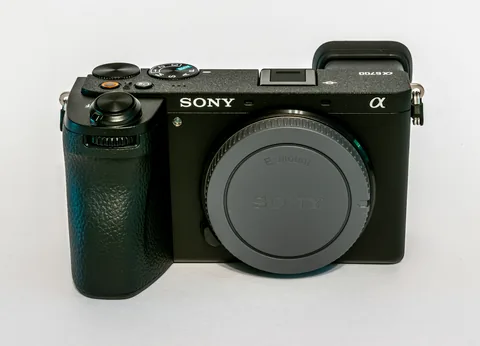
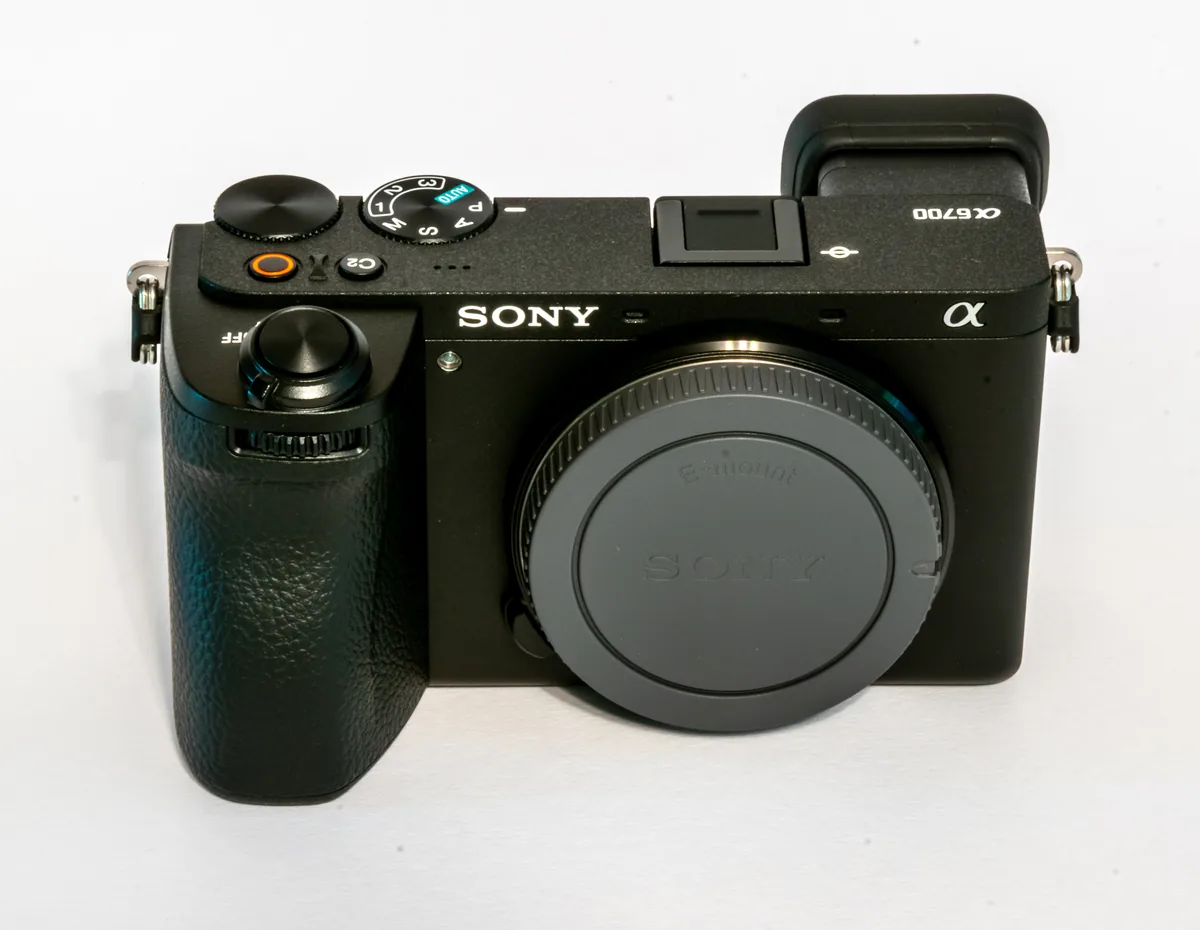
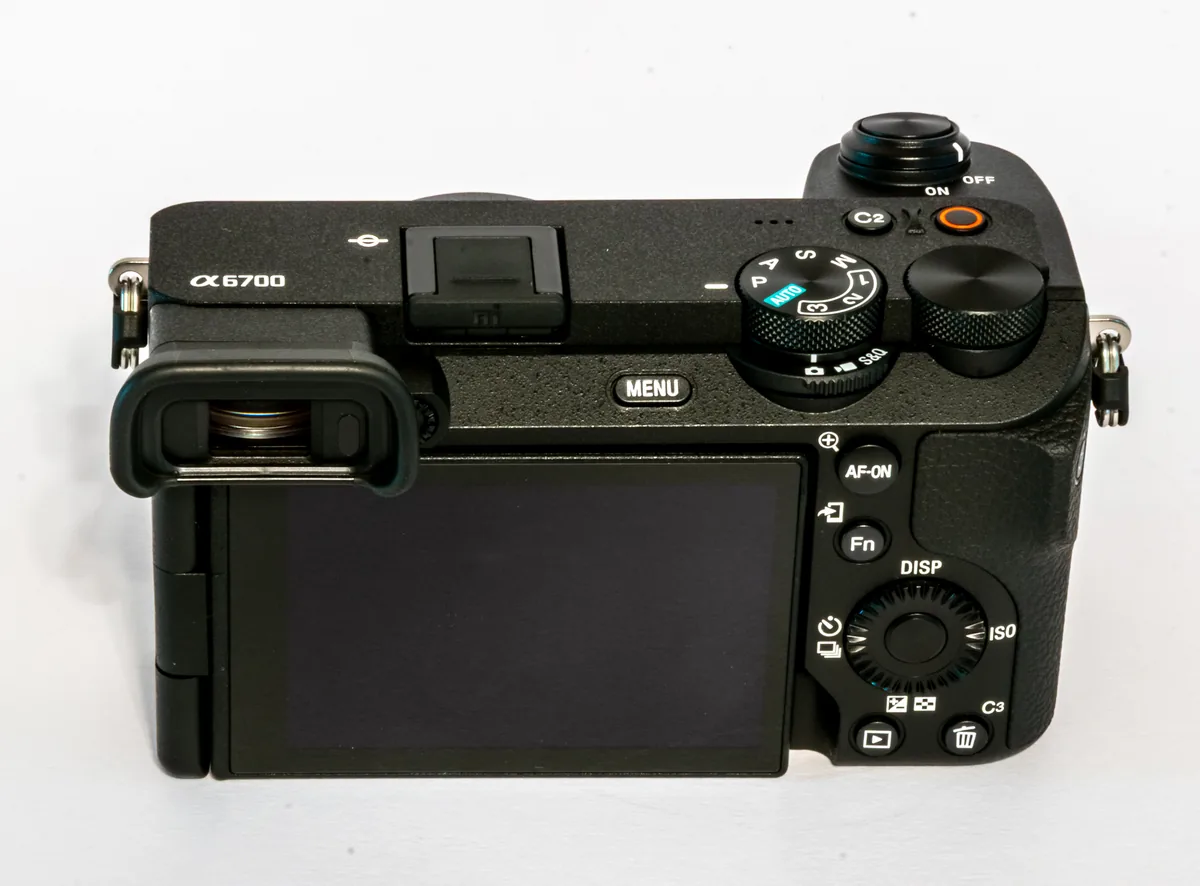
Version 3.1 is available now through Sony’s official download route. Existing α6700 and ZV-E10 II owners should start with the free tier and the compatibility matrix to determine whether their required controls are available; a subscription decision can follow a demonstrated need. The three photographs here show an α6700 body under a Creative Commons license. They identify one newly supported model and its physical controls; they do not show the app running, establish a connection or illustrate a test performed by The Camera Post.