The negative is the original
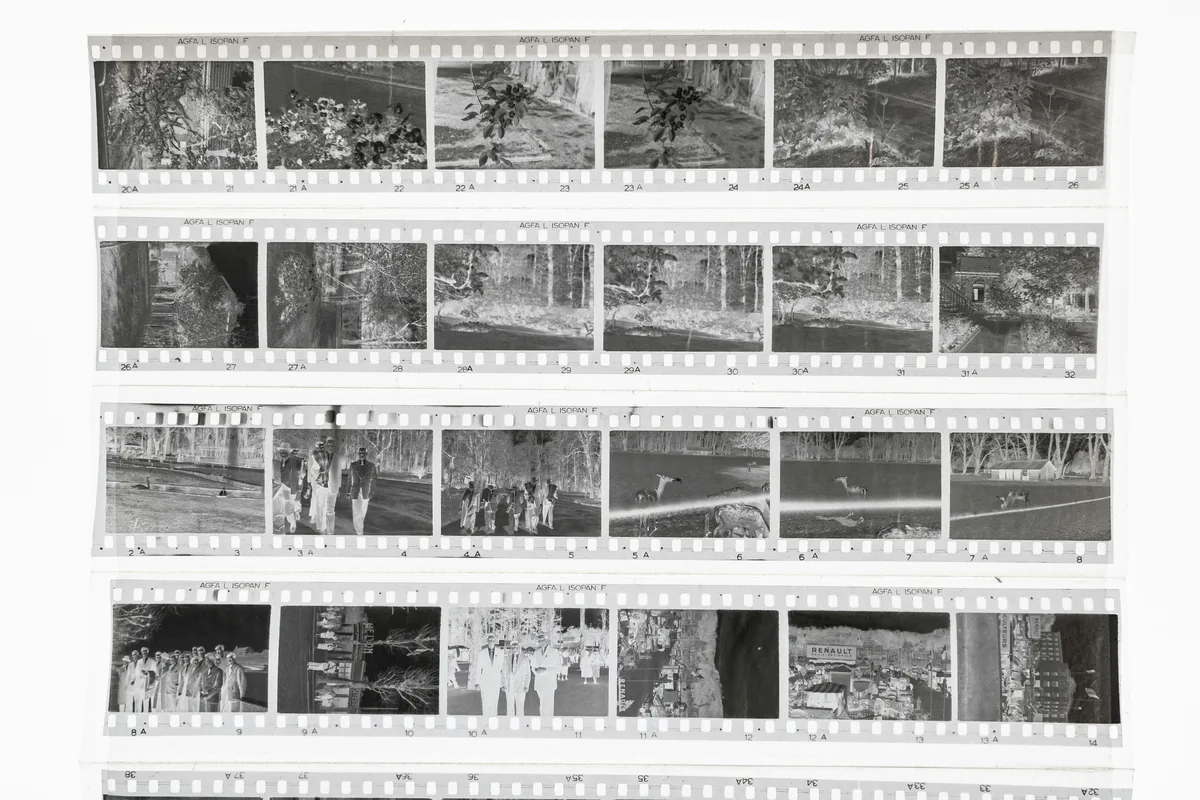
A lab download is a convenient interpretation, not the full photographic object. Ask for the processed negatives and store them in archival sleeves as soon as they return. The film contains more information than a compressed preview may show, including highlight transitions, grain and subtle color relationships. Handle strips only by their edges with clean, dry hands or lint-free gloves. Do not write on the emulsion or stack loose strips in an envelope. Before scanning, identify the frame numbers and record the date, place and people while the memory is fresh. A careful digital file begins with preserving the physical source that can be scanned again as tools improve.
Decide what the scan is for
Resolution should follow the intended output. A modest scan is enough for contact-sheet editing and quick sharing, while printing or heavy cropping needs more pixels and cleaner tonal data. Do not confuse a very large file with real detail: a soft single-use-camera lens and the film grain impose limits, and empty interpolation only magnifies them. For an archive master, choose a setting that resolves the visible grain without creating an unmanageable library. Save a high-quality, minimally processed TIFF when practical, then make smaller JPEG derivatives for the web. If a lab scans the roll, ask for pixel dimensions, bit depth, color space and whether sharpening or noise reduction is applied automatically.
Clean gently before every capture
Dust becomes a bright or dark mark that may take longer to retouch than it took to prevent. Work on a clean surface and use a hand blower to remove loose particles from both sides of the film. An anti-static brush designed for photographic material can help, but avoid household cloths, compressed-air cans and aggressive wiping. Canned propellant can spit residue, while rough fabric can scratch the emulsion permanently. If the film has fingerprints or embedded dirt, consult a lab or follow a film-safe cleaning method for the exact emulsion instead of improvising with water or glass cleaner. Inspect each frame under angled light before placing it in the holder.
Keep the film flat and the light even
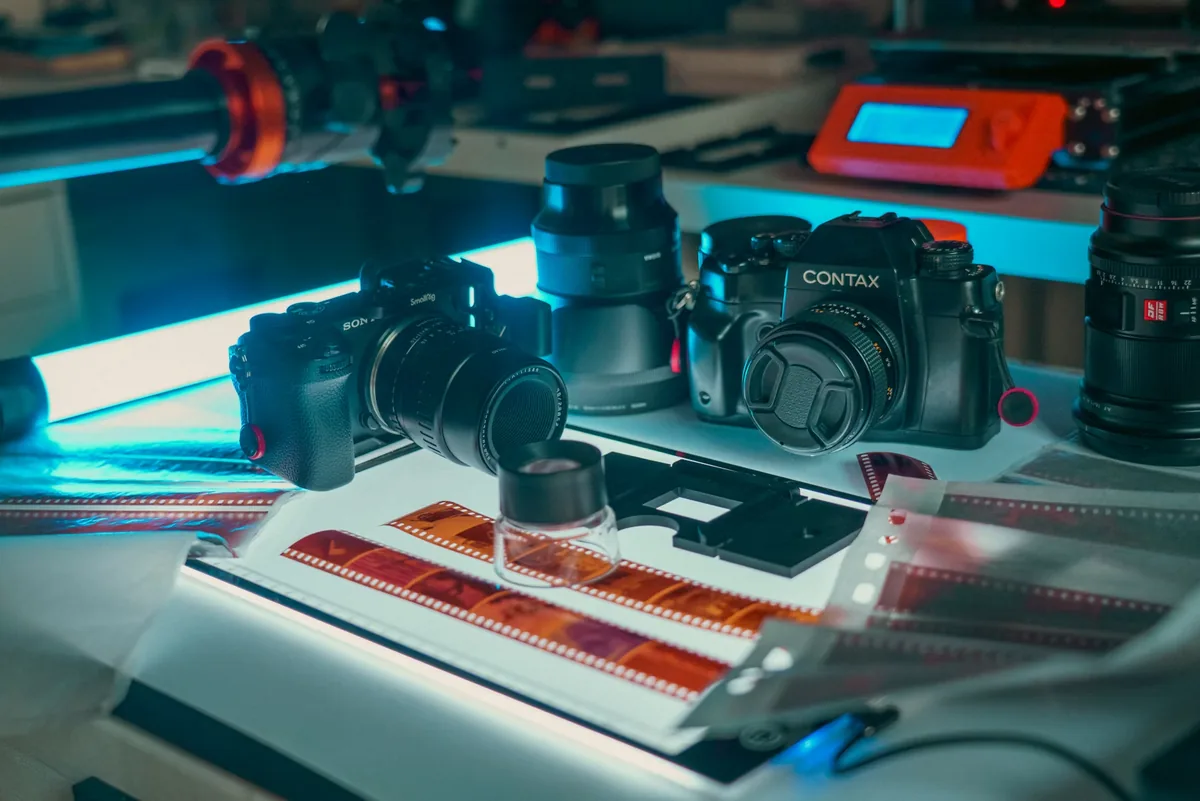
Curled film moves parts of the image outside the scanner’s focus plane. Use the holder supplied with a dedicated film scanner or a purpose-built carrier for camera scanning, and confirm that the emulsion orientation is consistent across the roll. With a digital camera, place an even, high-quality light source behind the negative and block stray light around the frame. The camera sensor, negative and light panel must be parallel; small alignment errors produce uneven focus. Photograph one frame at a time with enough border to confirm that nothing is cropped, then apply the same crop consistently in post. Avoid textured tablet screens or light sources whose pixel pattern can interfere with the film.
Build a dependable camera-scanning rig
A camera-scanning setup needs a stable copy stand or rigid support, a macro lens that can focus flat subjects and a film holder positioned above a uniform light source. Use base ISO, electronic first-curtain or a remote release when appropriate, and an aperture that balances lens sharpness with diffraction. Focus on the grain near the center, then check the corners at full magnification. Turn off room lights that reflect from the film and shield the lens from the panel. Capture RAW files so inversion and white balance have room to work. Once alignment is correct, do not move the camera between frames; consistency makes later cropping and color correction faster.
Expose the negative without clipping
The orange mask of color negative film can make exposure judgment unfamiliar. Use the histogram and leave enough headroom that no color channel clips in the film base or dense highlights. A bright capture is useful only while every channel remains intact. For black-and-white negatives, protect the clear base and the densest parts of the image in the same way. Make a test frame, invert it with your chosen software and inspect both bright and dark areas before scanning the full roll. Automatic exposure from frame to frame can create inconsistent color and density, so lock capture exposure when the negatives are reasonably similar and change it only when a genuinely denser frame requires more light.
Invert with a neutral starting point
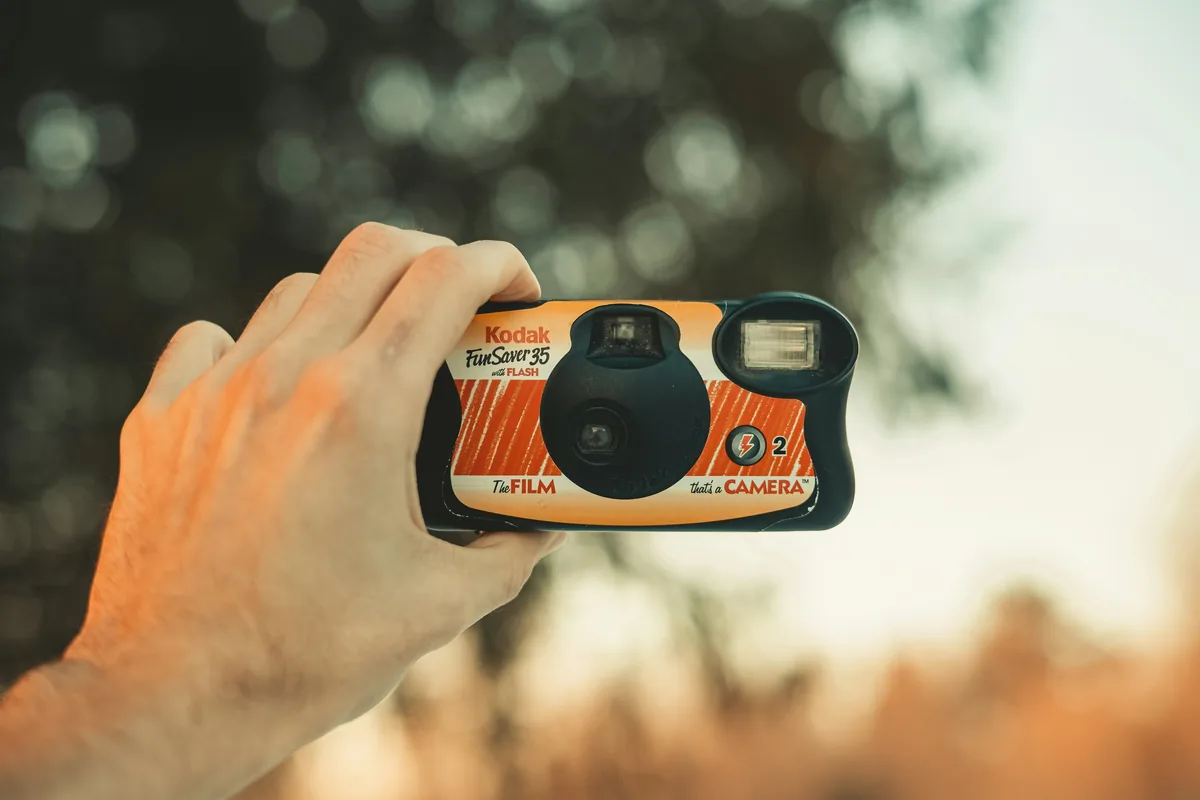
Negative conversion can be performed in dedicated software or through manual curves, but the first objective is a neutral, repeatable master rather than a fashionable grade. Sample an unexposed film edge when the workflow calls for it, set channel balance carefully and watch skin tones, neutral objects and deep shadows for color contamination. Disposable-camera film may have strong casts from mixed light or underwater scenes; correct what the light and processing introduced without erasing the atmosphere of the picture. Keep the original RAW capture, the conversion settings and a high-bit master. A later editor can then revisit the interpretation without repeating the physical scan.
Use sharpening and dust removal sparingly
Film grain is part of the image, while digital sharpening can turn it into hard halos and false texture. Judge the file at the final output size and apply only enough sharpening to restore clarity lost in capture or resizing. Heavy noise reduction often smears faces and fine edges before it removes the character of the grain. Automated infrared dust removal can be valuable on compatible color film, but traditional silver-based black-and-white negatives may not work correctly with that channel. Retouch remaining dust on a separate layer and preserve an untouched master. The goal is a clean reproduction of the negative, not a plastic surface that no longer resembles film.
Archive so the work can be found again
Use filenames that connect each scan to the physical strip and frame, such as date, roll number and frame number. Store the RAW capture or scanner output, the neutral master and the finished export in separate folders, then keep at least two copies on different devices with one copy away from the primary computer. Embed useful captions, creator information and rights metadata in the master or catalog. Keep negatives upright in archival sleeves, away from heat, moisture and direct sunlight. Finally, test a restore rather than trusting a sync icon. A strong scan preserves detail today; a strong archive preserves the context and source needed to interpret that detail years later.