A new camera, not another color edition
Polaroid announced the Mod on September 29: an analog instant camera priced at $169.99 in the US. The company says online availability begins today, followed by selected US retailers on October 6 and wider global retail in early 2027. Its launch centers on a physical selector for four creative modes: Split Shot, Motion Freeze, Double Exposure and Light Painting. This is announcement coverage, not a review; The Camera Post has not handled the camera or verified its exposure consistency. The official press release is linked below. Its linked retail page was returning an error during our checks, so announced availability should not be read as independently confirmed stock.
What the controls promise
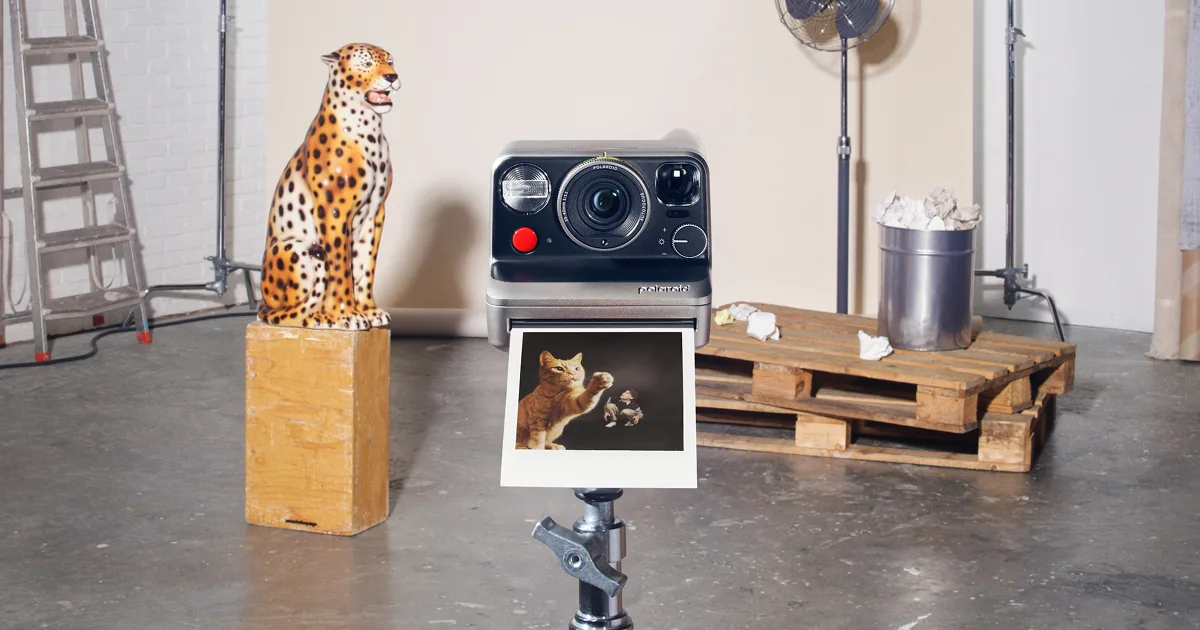
The official asset description identifies two-lens autofocus and a separate brightness dial. Polaroid describes Split Shot as dividing a frame with an accessory, Motion Freeze as recording motion before a final flash, Double Exposure as combining two exposures, and Light Painting as recording moving light during a long exposure. Those descriptions explain the intended tools, not their success rate. The dial makes the choice visible before shooting; whether its markings are easy to read in poor light and whether accidental changes are a problem remain questions for a hands-on test.
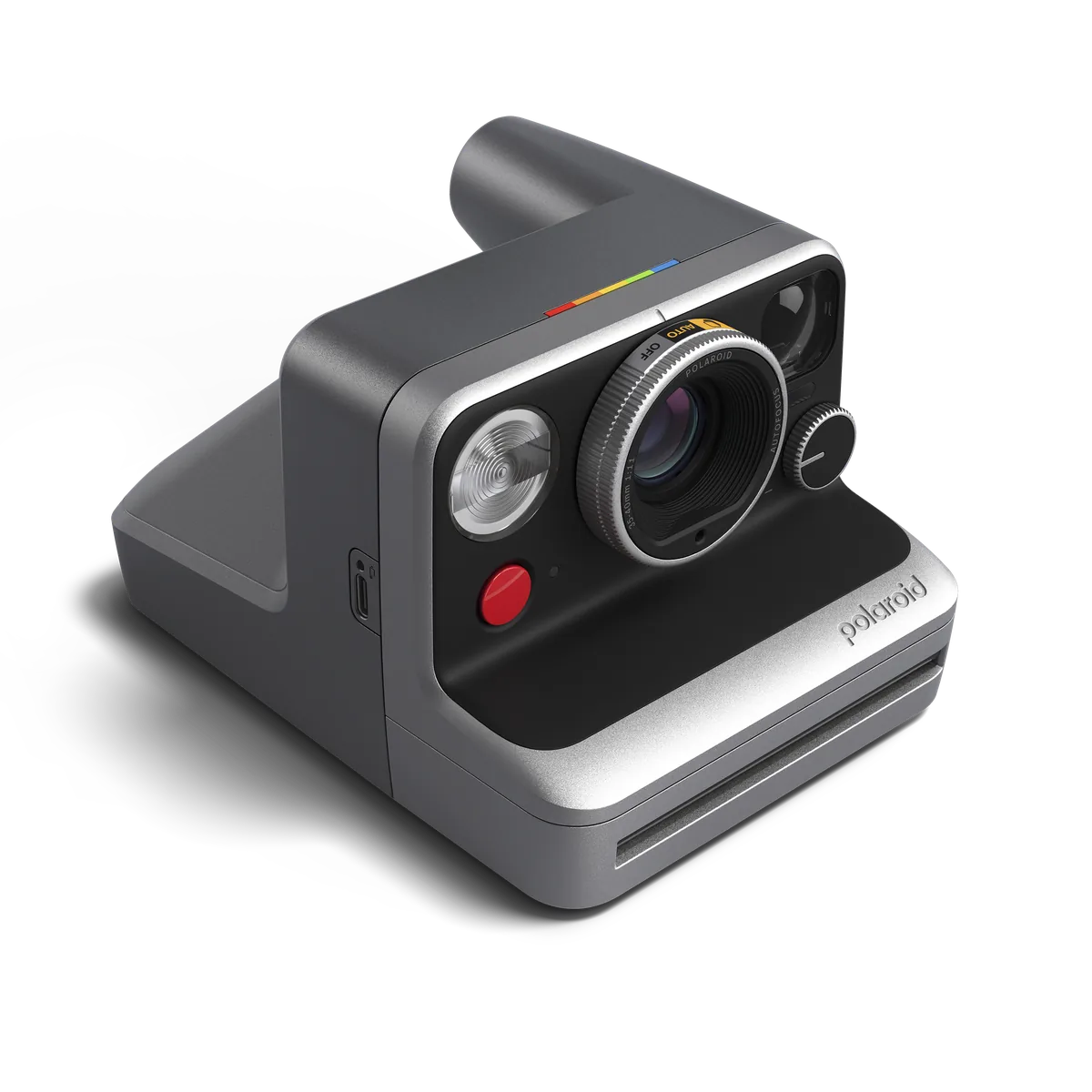
Choose the relationship before choosing the effect
Our practical suggestion for a split frame is to decide what connects the two halves before making either exposure: a face and a place, a repeated shape, or two contrasting textures. Sketch the arrangement on paper if the boundaries are difficult to imagine. For an overlaid picture, think about where bright and dark areas will meet rather than assuming that two individually strong photographs will combine well. These are composition exercises, not Mod-specific operating instructions. Follow the supplied accessory instructions for positioning and sequence; we have not verified its alignment tolerances or close-range behavior.
Motion needs a background worth keeping
A motion effect is easiest to evaluate when the picture contains both a stationary reference and something that moves. Start with an uncluttered setting and ask the subject to repeat a simple movement. Keep a note of the light, camera position and selected mode so a second attempt answers a specific question. Do not mistake a flash-lit outline for proof that the whole scene will be sharp. Ambient illumination and movement can still shape the rest of the image. The interesting editorial question is whether the trace adds information about the gesture, not whether every trace can be eliminated.
Make the first experiments small and repeatable
For a first light-painting exercise, we would choose a small battery-powered light in a clear space rather than sparks or flame. Keep other people aware of the movement and avoid walking into an unlit obstacle. Plan one simple line or shape, then inspect the result before changing several things together. Stabilize the camera using the method permitted by its instructions; do not assume an accessory connection from a promotional photograph. A useful experiment records one change at a time. This approach also makes it easier to decide whether an unexpected result is worth repeating rather than treating every imperfect frame as a failure.
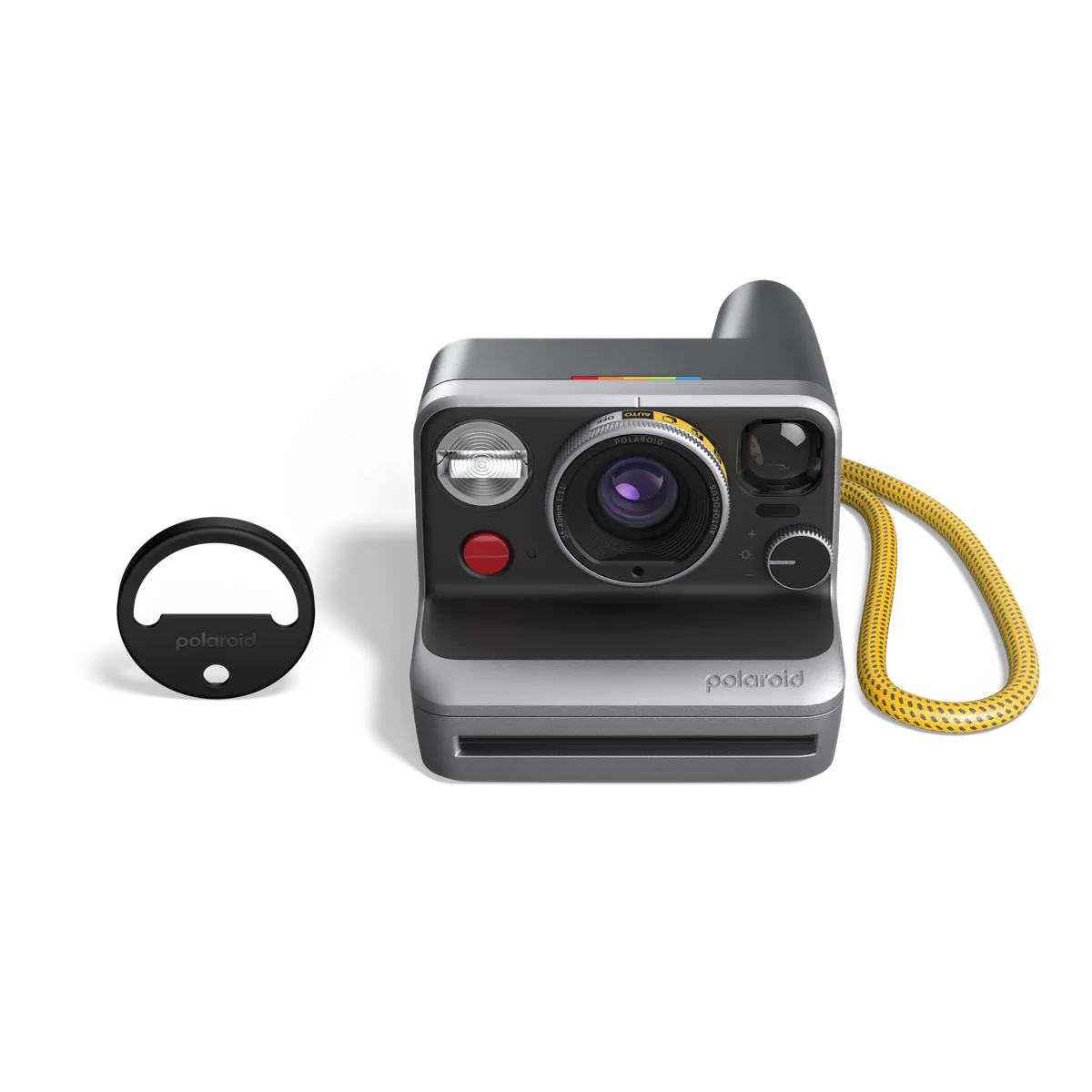
The questions to settle before buying
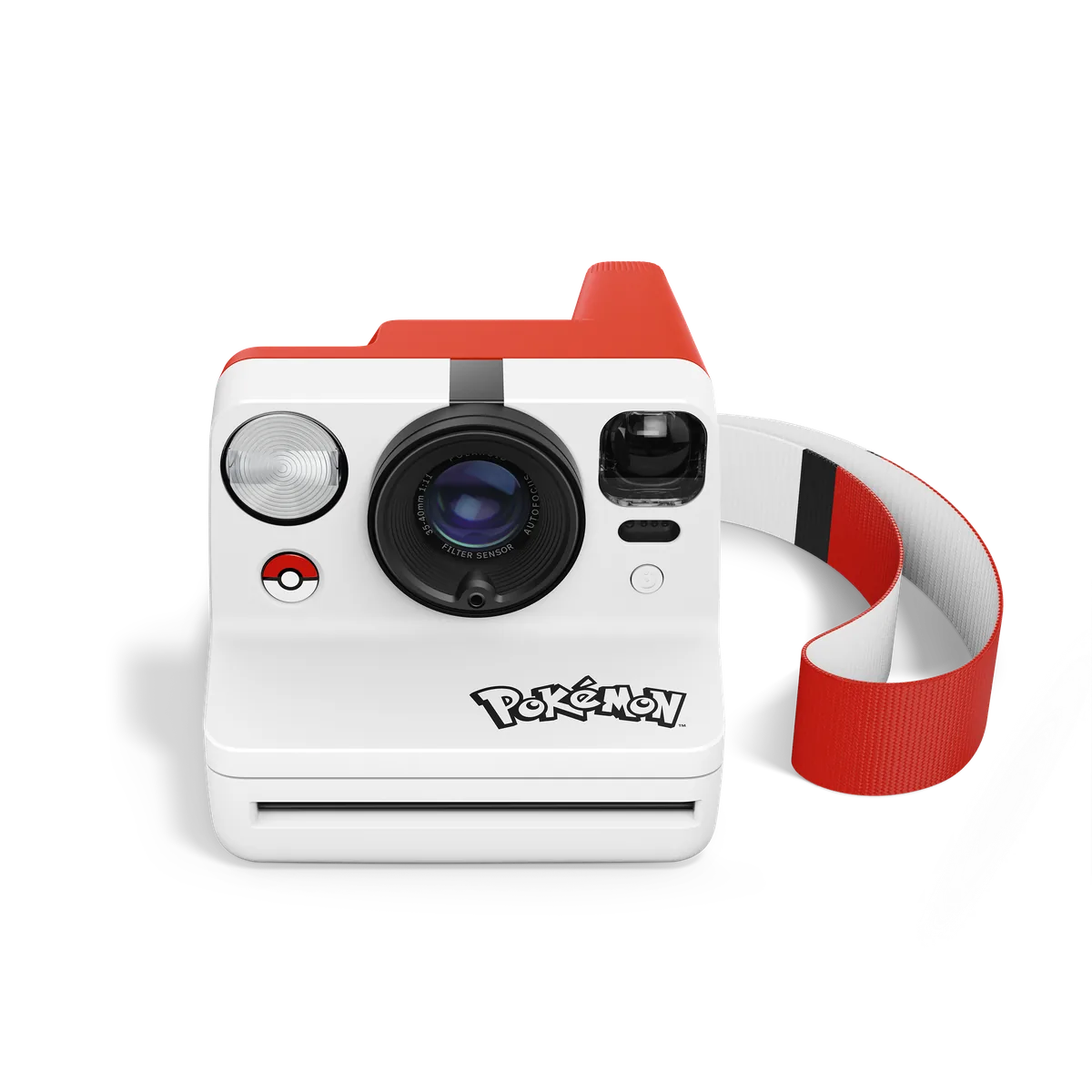
Before ordering, confirm the supported film, film cost per frame, what is included in the regional package, charging requirements, close-focus limits and the precise mode instructions. The launch images show a split-shot accessory and wrist strap, but a photograph is not a substitute for a current box-contents list. If you already own an instant camera, write down the actual limitation you want to solve: access to controls, a particular effect or simply a different working rhythm. We would not replace functioning equipment on the assumption that a dedicated dial alone guarantees better photographs. The Mod gives an identifiable new control approach; its value will depend on how reliably that approach turns an intended picture into a print.