What the update opens
Sigma released Photo Pro 6.10.0 on November 9. The Windows and Mac editions can now develop DNG still photographs from the FP2. Owners preparing an FP2 shoot can download the installer from Sigma Support and check their operating system against the requirements before bringing home a card full of files. Someone buying a camera and someone updating a workstation face different availability questions. The software is already downloadable, irrespective of local camera stock.
An anamorphic still starts in the camera
An anamorphic lens compresses the scene horizontally during capture. A circular clock face can consequently look tall and narrow when the squeezed frame is displayed without compensation. Sigma says Photo Pro can display the corrected proportions for FP2 raw stills captured with an anamorphic lens and the camera’s desqueeze setting enabled. That last condition belongs on the camera checklist. The release notes describe a still-image viewing feature and make no promise about processing movie footage.
Check one frame through delivery
Before a portrait session, make a DNG that includes a recognizable round object and a person near the center. Open a copy in Photo Pro, inspect the geometry, then export in the format the client expects. Open the export in the actual delivery application. If the round object stretches there, check the export dimensions and whether the viewer is applying another aspect correction. Keep the original DNG so you can repeat the comparison without altering the source.
HDR depends on the viewing equipment
Sigma also adds HDR display for images from the FP2 and BF. On Windows the company specifies a compatible computer, display and connection cable. It excludes TIFF files from the HDR display feature. A bright preview on an editing monitor therefore tells you little about the TIFF on a client’s screen. If both HDR review and a conventional delivery file are part of a job, agree on the delivery format and review each separately.
Choose the right installer
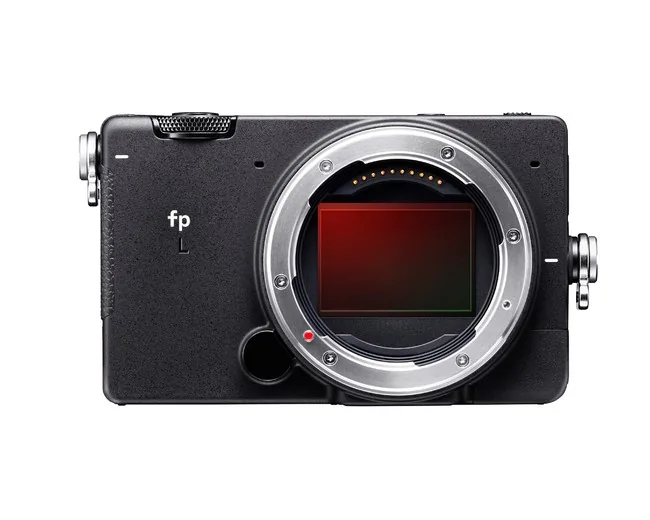
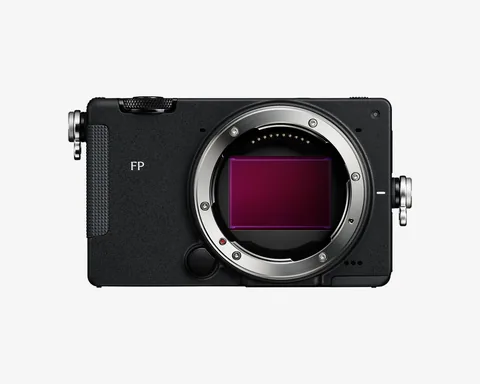
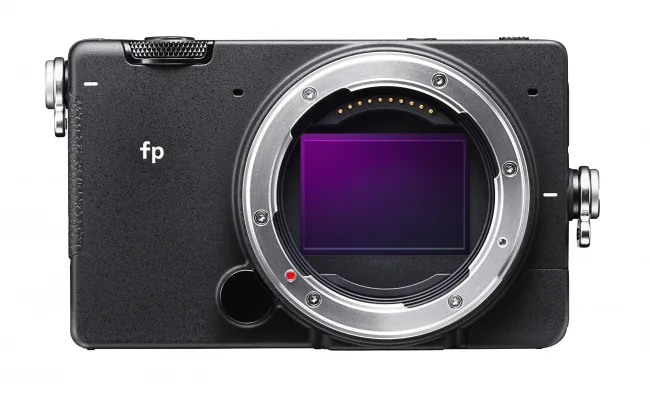
The official download page separates Windows and Mac builds and lists their system requirements. Keep a known-good reference image alongside your first FP2 file. Checking both after installation can help isolate an unexpected result to the new capture, the viewing setup or a broader change in the workstation. The older fp bodies pictured here give model context. Sigma specifically names FP2 and BF for the new HDR display support.